


 GitKraken Desktop
 GitLens for IDEs
  Kepler
 GitKraken MCP
 GitKraken CLI
 GitKraken Insights
 Git Integration for Jira
 Dev Team Automations
 AI & Security Controls
 Supercharge Your Dev Team
  Secure Your Dev Team
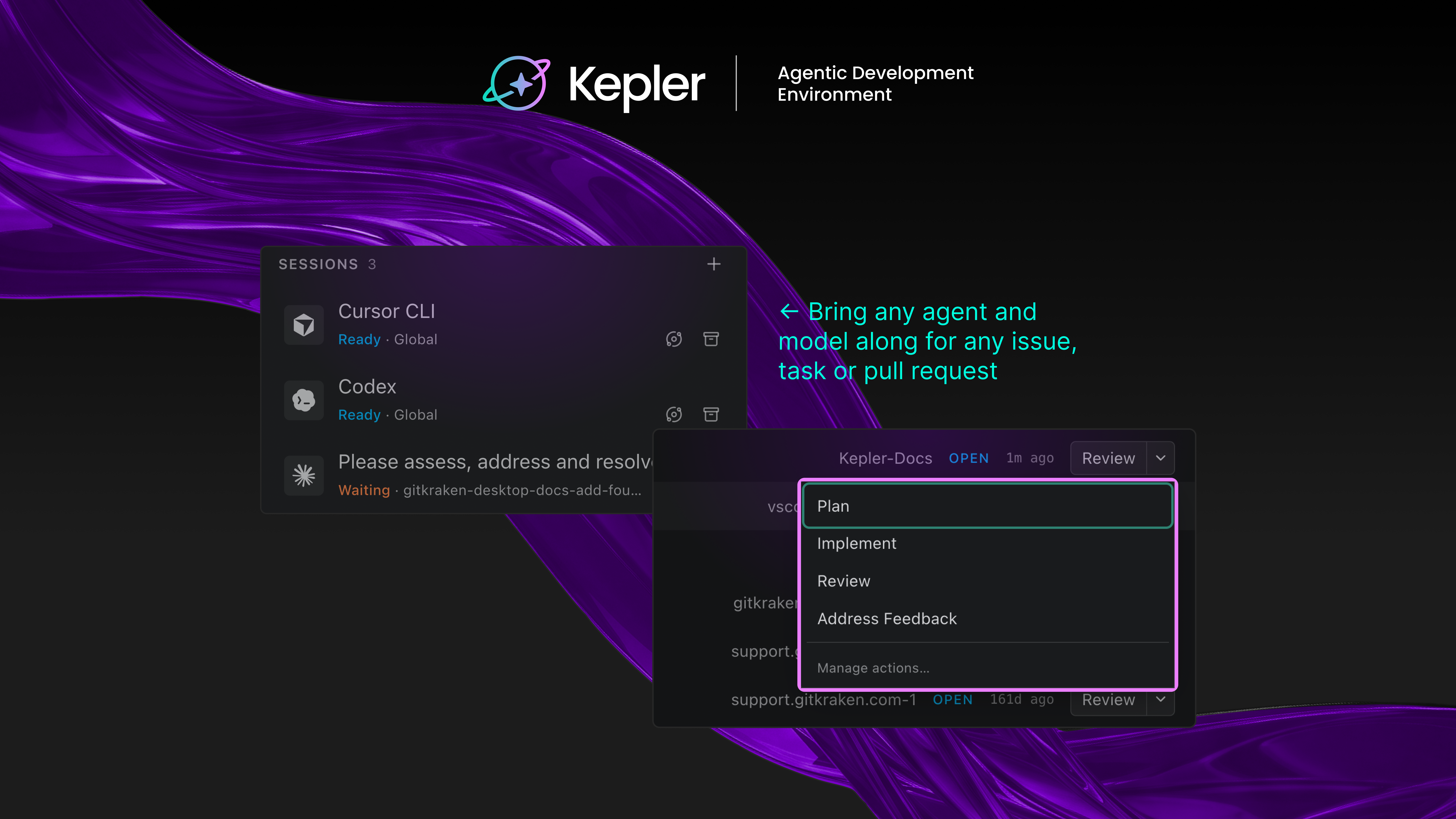

Every new AI coding agent comes with the same pitch: write code faster. For most devs, that part already checks out. Codex writes a function in seconds. Claude Code refactors a file mid-meeting. Copilot fills in a test before you finish describing it.
None of that touches the problem that shows up an hour later: five agents running across three repositories, each with its own diff, and no single place to see what’s stuck, what’s done, and what’s actually safe to ship.
That’s not a code generation problem. It’s a coordination problem, and it gets bigger as agents get better, not smaller. Kepler is GitKraken’s answer to it: an agentic development environment (ADE) built for the developer who now spends more time directing agents than typing code.
What is an agentic development environment (ADE)?
An IDE was built for one developer, typing code, one file and one branch at a time. An ADE is built for one developer running multiple agents in parallel, deciding what ships and what gets sent back. Kepler is GitKraken’s ADE, agent-agnostic by design, connecting to the agent, model, tracker, and Git host a team already runs instead of asking them to switch.
How Kepler runs agentic development from idea to merged PR
Kepler starts wherever the work already starts: an issue in Jira, Linear, Trello, GitHub Issues, or GitLab Issues, or a pull request already sitting in the queue. From there:
- Pick the agent and model for the job. Claude Code, Codex, GitHub Copilot, Cursor, Open Code, and Auggie all connect today, and a better option can be swapped in the moment it ships.
- Run more than one at once. Isolated worktrees keep each agent’s changes on its own branch, so parallel sessions don’t collide.
- Watch it happen. Agent Graph draws every task, session, turn, and tool call live, so a stalled agent or a bad turn is visible before it costs an afternoon.
- Skip the blank prompt. Built-in Actions hand an agent the issue, the diff, and the repo state already attached, and any Action can be edited or saved as a new one.
- Finish the job. Kepler moves each branch through diff, stage, commit, and pull request, the part a raw agent session stops short of.
Why “done” and “merged” aren’t the same thing
An agent can mark a task complete and still leave behind a diff nobody reviewed, a conflict nobody resolved, and a pull request nobody opened. Kepler treats an agent finishing as the middle of the workflow, not the end of it.
That’s the counterintuitive part. The instinct in agentic tooling is to add more automation: more agents, more autonomy, less human involvement. Kepler’s bet runs the other way. More agents running in parallel only works if a developer can see what each one is doing and step in without losing the thread. Visibility and control turn out to matter more than raw autonomy, because a pile of unreviewed diffs isn’t shipped software.
That’s also why Kepler can take an agent’s output and get it to production instead of handing back a pile of changes. GitKraken has spent a decade on the layer agentic tools tend to treat as plumbing: branches, worktrees, diffs, commits, merges. That groundwork is what decides whether any of the code an agent writes actually reaches production.
Built to fit the setup developers already have
Kepler doesn’t ask teams to rebuild a toolchain. SSH into a remote box or drop into WSL, and the same worktrees, diffs, and Actions run there. Kick off an Action from a phone and check on it from across the room. Repo setup commands can run automatically every time Kepler creates a new worktree, so the environment is ready before the agent starts.
What developers building with Kepler are saying
Early users describe the same shift: less time wrangling separate agent CLIs, more time on the work that actually needed a developer’s judgment. One senior software architect pointed to the consistency of managing agents across different ecosystems in one flow, without being locked into a single model. A senior front-end engineer put it more simply, calling it another step in a long-running effort to make a complicated job more manageable.
Try Kepler free
Kepler is free to try on Windows, Mac, or Linux. Connect the agents already in use, start a task from an existing backlog or PR queue, and see what it looks like to run agents at scale without losing track of anything.


 Add to Chrome
 Add to Firefox
 Add to Microsoft Edge