

 GitKraken Desktop
 GitLens for IDEs
  Kepler
 GitKraken MCP
 GitKraken CLI
 GitKraken Insights
 Git Integration for Jira
 Dev Team Automations
 AI & Security Controls
 Supercharge Your Dev Team
  Secure Your Dev Team

Workflow home view page
Writing Code Got Faster. Getting It to Main Got Harder. As development spreads across AI agents, IDEs, repositories, and pull requests, coordinating parallel work becomes
Writing Code Got Faster. Getting It to Main Got Harder. As development spreads across AI agents, IDEs, repositories, and pull requests, coordinating parallel work becomes
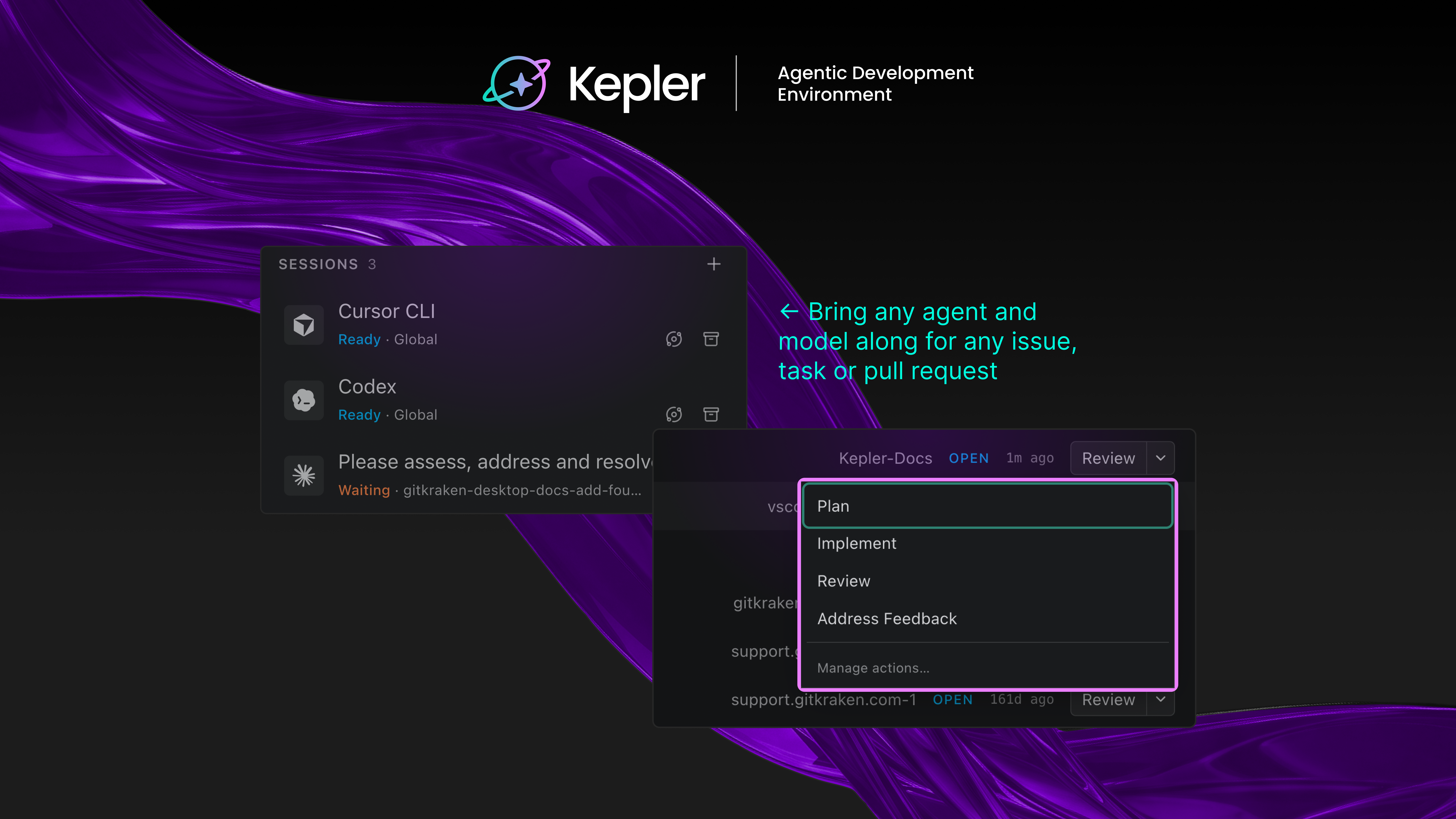
Every new AI coding agent comes with the same pitch: write code faster. For most devs, that part already checks out. Codex writes a function

JUMP TO: Launch & Manage Agent Code Review Merge Readiness Conflict ResolutionReturn Home Jump To Launch & Manage Agents Code Review Merge Readiness Conflict Resolution

Finding the right pull request review tool can mean the difference between a team that ships confidently and one that drowns in open PRs. When

Engineering teams are investing more in AI coding tools, and that means the platform you use to measure delivery performance needs to keep up. Jellyfish
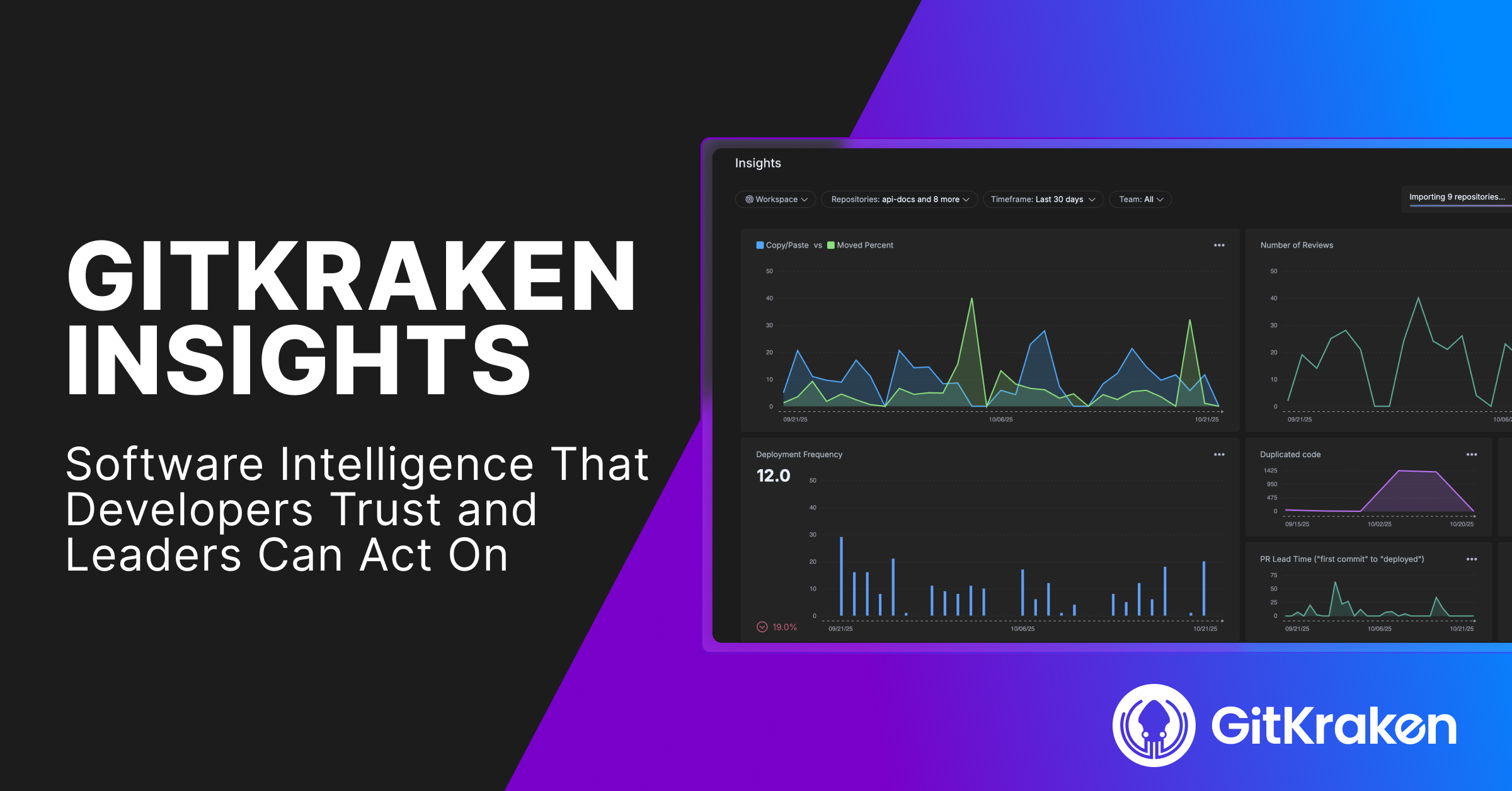
Measure the true cost, output & impact of agentic development Real agentic developer intelligence for every contributor, in one plan. $25 per contributor, per month,

One of the features I have been wanting in Kepler for a long time was the ability to use Pi as my agent when spinning

Every so often we sit down with someone from our support team and turn their week into a blog post. This time, Roberto walks us

Internal hackathons are a powerful way to let your teams explore ideas and work together on something fun besides the same old stuff for work.

Running AI coding agents in parallel across repositories is no longer experimental. It’s how high-performing engineering teams ship faster. But the tools you pick to


 Add to Chrome
 Add to Firefox
 Add to Microsoft Edge